Showing posts with label iPhone. Show all posts

Friday, 14 January 2011

~ Apps Galore! ~

Wish there was more than 24 hours a day! Running out of time and so easily tired these days ever since work started! Still trying to get into the swing of routines. 

Not much creating done but concentrating more on my new iPhone 4. Trying to migrate all my stuff into the new. Hubs already asking me for the 3GS. Have to say I absolutely luv the new phone only b'cos of the improvement in the camera. Wow, so much better with flash and the retina display is amazing! 

Found quite a few apps to play with too. The first is a diary app called Momento which allows you to write a journal every day and you can include photos, tag places/people/event too. Awesome. Since getting it, I've been writing it daily.

Momento app, cost £1.79

Another app I found is Project 365 whereby you input a photo per day. The layout is a calendar format and you can add photo and description each day. I always balk at anything long term but since getting this app, it has been a joy to fill each day with a photo and I look forward to it. I even set a reminder to take a photo each day!

Project 365 Pro
There is a free version but I got the Pro version for 59p so as not to have any ads (they are such a nuisance!) You have the ability to save what you do and you can either upload to Facebook, Twitter or even email the photos.

With all these new apps, I found two new photo apps, Instagram and Retro Camera Pro. Instagram, a free app, is pretty interesting as you take a photo normally and then apply filters to it. There are 11 filters which give different effects. Quite cool. 

Instagram
Apparently you can share it within a community and have followers etc. I wasn't interested so I set my photos to private. Here's an example which I tried out:

Excuse my dishevelled look!

Now the next photo app is my fav! Another free app called Retro Camera Pro. It comes with 5 different type of cameras with different effects in print & saturation. You have to use a certain type of camera to get a particular effect. My fav is the pinhole camera as I like the effect of it.

Retro Camera Pro app.

One of the cameras offered. It does come with an annoying ad at the bottom though. Now the app itself isn't perfect as it does hangs. But hey, it's free and what more can you ask for!

Here's an example of the FudgeCan camera.
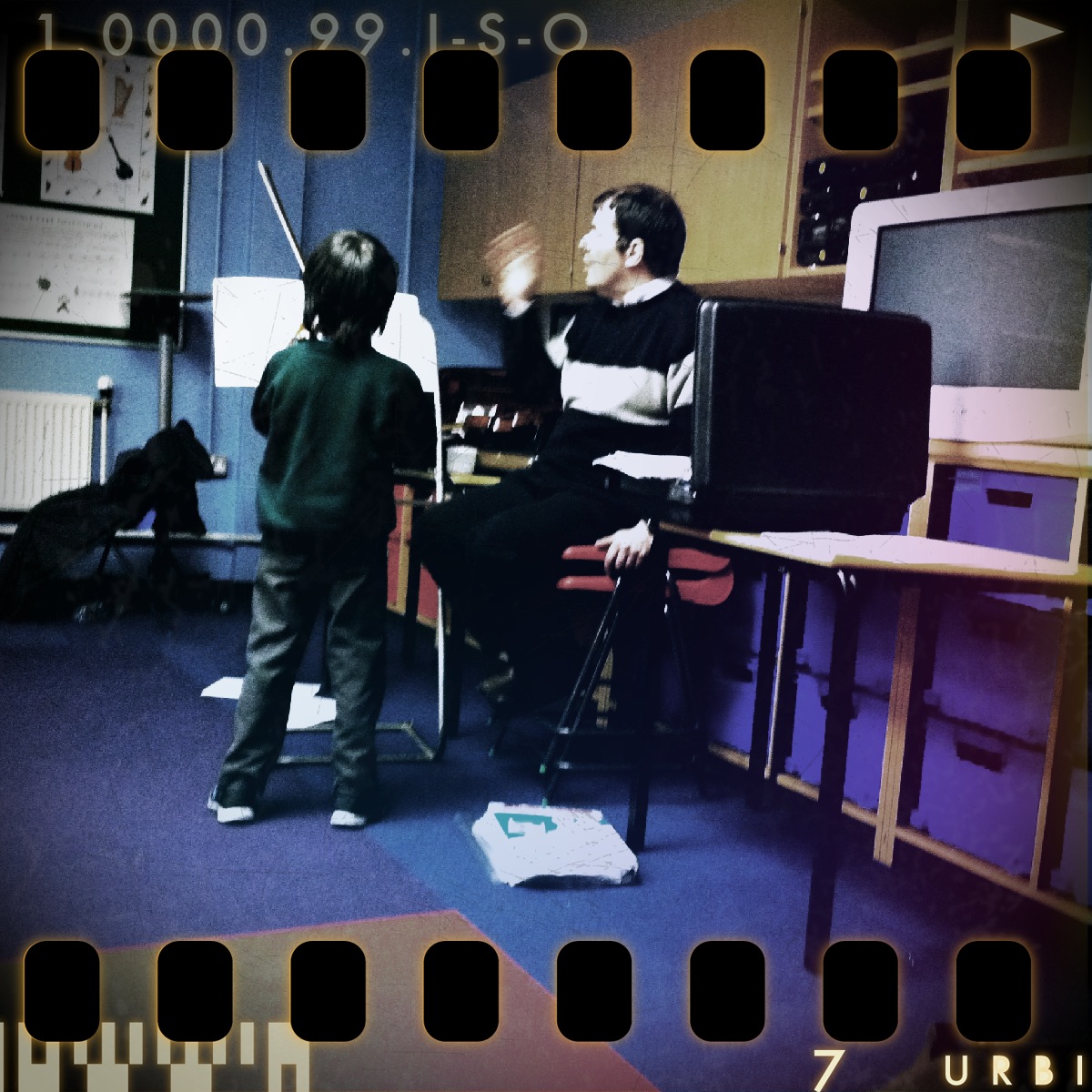
And my fav, the Pinhole camera. Luv the film effect on the photo. 

So that is what I'll be doing this whole year, writing journals and taking a photo a day to fulfil my Project 365. I still do have my Hipstamatic but it does take a while to develop the photos and it's hard to use in situations when you need to take photos quickly. The Retro Camera is much faster in application. The Instagram allows you to take photos in your camera roll to play with the filters. Anyway, one can't have too many photo apps! 

Oh and before I go, I found this app that monitors how much water you drink each day. It's called Water Your Body. Basically, the amount you drink depends on your weight and I've to drink at least 1523 ml a day or about 6.44 cups. Can't say I've drunk 6 cups daily but at least 4 minimum. Since getting the app, I've been more conscious of drinking water and do make an attempt to try and drink my required amount. 

I've got a couple more LOs in my JYC2010 to complete. Just need the time to do them....if ever I find it... TTFN!

Saturday, 3 July 2010

~ New App ~

While browsing the App Store, I found a new photography app called Swankolab! It's from the same makers as Hipstamatic but this app uses photos in the gallery to create the same kind of look as the Hipstamatic camera! How cool is that! While Hipstamatic allows you to take photos, the Swankolab enables you to play in the darkroom and mix chemicals to achieve a certain look to your photos! Not surprising, I simply revelled in it! The app allows you to save the different formulae you created and even to name them! Here's some samples of the same photo created using different chemical mix: 


I made use of a photo taken on a Hipstamatic to re-create three different looks. Here's another one taken with the camera on iPhone: 


Again mixing different chemical gave me two different looks to the same picture.

Unfortunately, the black and white photos still have a bluish tint. Not sure if this is due to the upgrade of iOS4. Both Hipstamatic and Swankolab photos are affected. Hopefully it will be resolved soon otherwise I won't be using creating any black & white photos! App cost £1.19 and you can subscribed for another £1.19 to get more chemicals and a lifelong addition of new chemicals when it comes out! One of my most played apps at the moment! TTFN!

Saturday, 12 June 2010

~ iPhone Apps! ~

Thought I do a couple of reviews on the apps on iPhone. I'm always on the lookout for useful ones that help me in my daily routine. Now, while browsing thru' the Apps store, found one that calculated calories. Oh man, that is one useful app that I use literally every day, in fact, every hour as I'm constantly checking how much calories a particular food has!

It's called My Fitness Pal, a calorie counter and dietary tracker app. When you first use it, it asks you for the usual info such as weight, height and how much weight you wanna lose/gain/maintain and then it calculates your calorie intake per day. Once done, all you do is itemise what you eat per day and it will inform you how much calorie you're consuming. Since using it, I've been made very aware of calories found in food. Suddenly I'm showing a lot of restrain in consuming food with high calorie as that will very quickly hit my quota per day. I'm on a mission to lose at least 2 kg before I go home for the summer hols. Hence, I've got a calorie quota of 1200 per day. As I've only started this week, it has been hard to try and keep to the quota and I'm usually overshot by an average of 100 calories. I'm quite impressed by the food list as my diet is mainly Chinese cuisine and it does show food that comes from my country as well! It's scary sometime to see how much calories I consumed per meal! Here's a couple of snapshots of the app.

Here's a daily entry. When you click on Add, it will bring out a list of what categories (Breakfast, Lunch... Strength (for exercises) and Water). Simply choose which category and then key in the food. It brings out a list and you choose what sort of food it is (hey, it will even list all the Walkers crisps!) It's dead simple to use and very informative.
  
Here it shows you how many calories a homemade curry has, based on serving size (which can be altered). 

All I can say is I'm more aware of the labels on food now when I shop! Never bothered before but now, very highly aware! Oh did I say that the app is FREE too! And you can also do it online too if you don't own an iPhone... check out the website: www.myfitnesspal.com. What I like about it is that I don't have to stick to a diet plan and I can still eat what I like but ensuring that I stick to my calorie quota. I love nothing more than to check out the calories of food especially of chocolates! My MIL just gave me a box of M&S chocolate-coated ginger biscuits (my fav) and when I checked the calorie per biscuit, it was 100! (yup, I found it in the food list including the brand too!) All I can say, it's not easy eating just 1 biscuit!!!

The next useful app I found is one that track your menstrual cycle called Period Tracker. Another useful app as it calculate your cycle, let you know when is your fertile moments as well as your ovulation date. Very useful if you either wanna try for a kid or avoid getting pregnant! (for moi, the latter!) There are a few apps for this but I chose this particular one as it was the highest in popularity and it's FREE again! 

No wonder I'm not scrapping... constantly on the lookout for new apps! :) TTFN!


Sunday, 6 June 2010

~ iPhone Speakers! ~

Hubs and I have been searching for a portable speakers for the iPhone/iPod and I had seen the Vestalife speakers a while back and thought it looked very hip! It being red was a plus point too. So we set off to hunt one down within Birmingham and Solihull to no avail! Eventually, with an hour left before closing time, we sped off to Currys in Wednesbury and laid our hands on one. 

This is the Firefly. Here's the specs: 

  • innovative beautiful design, feature-rich, with sub-woofer and folding satellite speakers
  • battery (4xAA not included) or mains operation (universal adapter included)
  • works with all dockable iPods and 2G, 3G and 3GS iPhones, and has aux input for other sources
  • charges your iPod/iPhone while docked, when connected to the mains
  • full remote control and USB connection to computer for synchronising with iTunes

And here's how it looks when open. It sounds good too. Currently, not all speakers work with iPhone (as I've found out) so to find one that does in such a hip design is a plus! 

You can get it slightly cheaper on Amazon (as I've found out later) and this brand comes with other designs too, Ladybug and Mantis. Both equally cute too! But I like the Firefly. TTFN!

Thursday, 6 May 2010

~ Camera Fun ~

I was introduced to the Hipstamatic app by Fay (thanx!) and downloaded it on my iPhone to have a play! OMG! It was the most fun app using the camera feature in the iPhone. It takes vintagy kind of photos and I absolutely luv the effect! Tried it out on my boys and here's how they look: 

Lens: Lucifer VI, film: Float

Lens: Kaimal Mark II, film: BlacKeys B+W

Lens: Roboto Glitter, film: Alfred Infrared

This app allows you to change lens, films and flashes to achieve your desired effect. And if you rather leave it to chance, just shake your iPhone and it will choose all three to give a random effect. I really like how the photos turn out and I might just use them for scrapping!!! In fact, after playing with the app, I purchased more lens/films. I'm now hoping they will come out with more different lens. This app definitely take the camera feature in iPhone into a different level! No doubt you can easily achieve such effects in Photoshop but hey, if there's an app to do it, save me the hassle! TTFN!

Sunday, 2 May 2010

~ Best Birthday Gift ~

We popped into the Apple store in B'ham today and hubs got me this as my birthday gift:

I went for the white one though and got a pink cover for it! Been eyeing it for a year now. Chap at Apple spent a good hour showing me what to do and explaining a lot of stuff! Fab!

I'm off to have a play with it and to download apps.... so many out there! Can't wait for the new software to come though, it will make the iPhone awesome! TTFN!